

Alarm management software: see machine alarms in one place and prioritize them, then trace them to the root cause
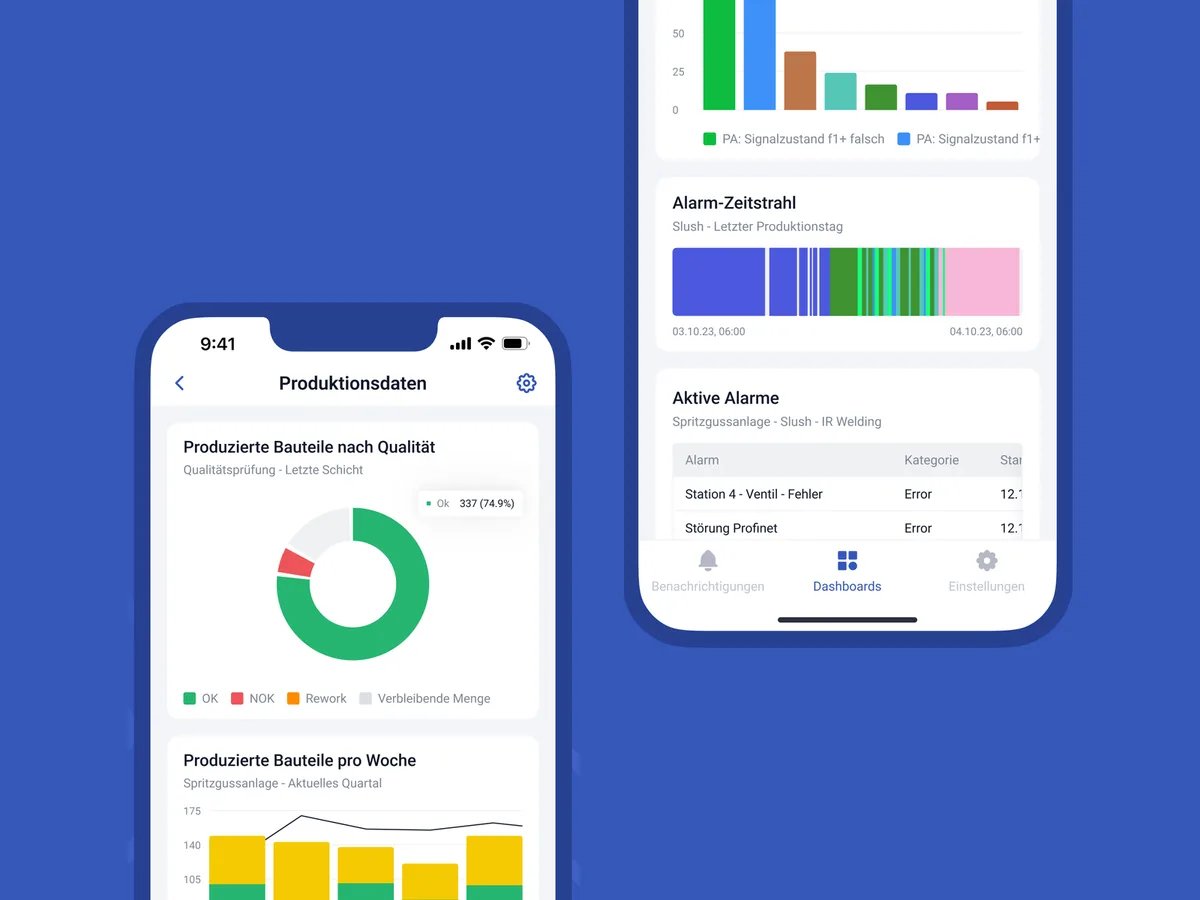
SYMESTIC's alarm management software collects the alarms and messages of all machines in one place, links them to downtime and alerts you when a condition you defined is met.

Every controller reports. Nobody sees the pattern.
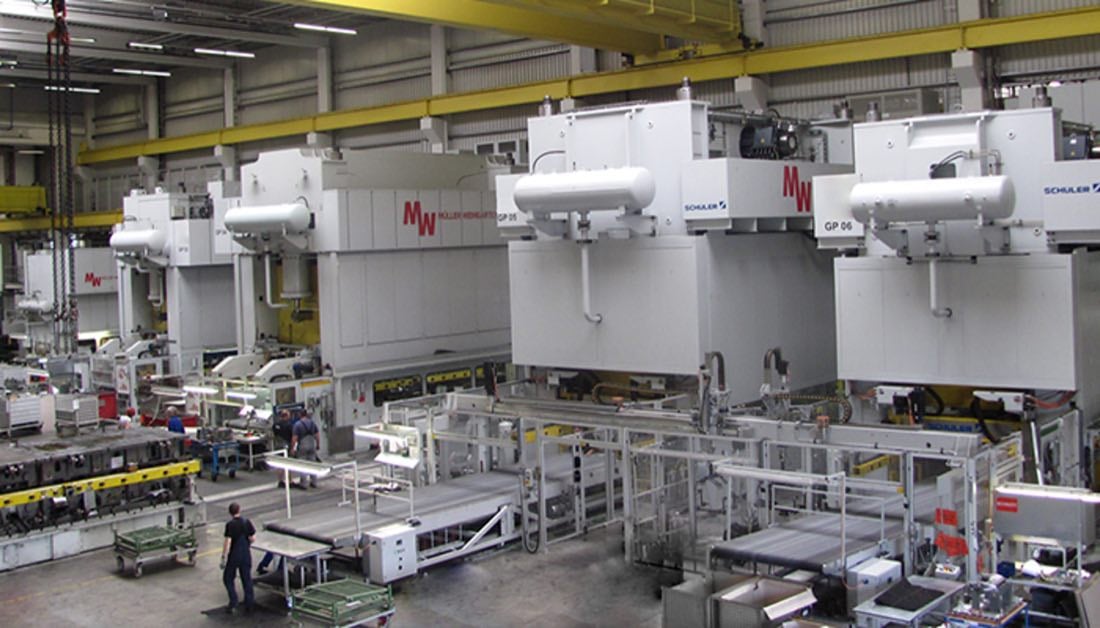
Modern machines generate thousands of alarms a day. They appear on the machine's display, are acknowledged and are gone. Which alarm precedes a stop, which machine throws the same message again and again, nobody sees that way.
Pattern: A-231 precedes all 3 stops on Press 4
Rule: 2× A-231 in 60 min → push to maintenance
Free potential analysisWhat faults that are spotted too late cost per year, we work out with your own figures in a free potential analysis.
How alarm management works in SYMESTIC
Capture centrally.
SYMESTIC's Cloud Gateway reads alarms and messages directly from the controller via OPC UA. It runs on site and also captures alarms that are active for only a few milliseconds.
Prioritize and link.
You decide which alarms matter. The live view shows alarms next to the stops, so that connections become visible.
React in time.
When freely defined conditions are met, for example a certain alarm several times within an hour, a message goes out by push or email to the people responsible.
Alarm management for machines on the shop floor
The alarm management standard ANSI/ISA-18.2-2016 is titled for the process industries. It describes a lifecycle from identification and rationalization to change management and centers on a documented alarm philosophy. In a factory with presses, welding cells and packaging lines the same questions apply on a smaller scale: which alarms matter, who reacts, and which alarm repeats before a stop.
Rank the alarms of one machine before you set rules
Example with invented numbers: one press logs 1,200 alarms in an 8-hour shift, which is 150 per hour. Four alarm codes cause most of them.
| Alarm | Meaning | Count | Share | Cumulative share |
|---|---|---|---|---|
| A-231 | Hydraulic pressure low | 410 | 34.2 % | 34.2 % |
| A-118 | Guard door open | 260 | 21.7 % | 55.8 % |
| E-017 | Cycle time exceeded | 190 | 15.8 % | 71.7 % |
| A-004 | Lubrication interval reached | 150 | 12.5 % | 84.2 % |
| Other | 31 further codes | 190 | 15.8 % | 100 % |
Four codes explain 84.2 percent of the alarms. A review of those four gives more than a review of all 35. Linking alarms to stops adds the second dimension: A-231 may account for a third of the alarms and still cause only one stop, while a rare alarm may precede most stops. Rank by count and by lost minutes, then compare the two lists.
A review sheet for each alarm you keep
| Field | Question to answer |
|---|---|
| Condition | What exactly triggered the alarm? |
| Action | What should the operator or the maintenance team do? |
| Priority | How quickly must someone react? |
| Owner | Who receives the message, by push or e-mail? |
| Rule | Is a single alarm enough, or does a repeat within a time window matter, for example twice in 60 minutes? |
| Review date | When does the team check whether the rule still fits? |
Start with the four codes at the top of your own ranking and write one row for each. Alarms without an action belong on the list of candidates for removal from the notification path.
What is included
Central alarm monitoring of all machines
Prioritization of alarms for your analysis
Notification based on freely definable conditions, by push or email
Linked to downtime and orders
Analysis of the most frequent alarms per machine and period
Also captures alarms that are active for only a few milliseconds
What our customers achieve



Frequently asked questions

What is alarm management in production?
The systematic capture, prioritization and analysis of the alarms and messages from machines, so important alarms do not get lost and recurring causes are identified.
Which alarms can SYMESTIC capture?
Alarms and messages issued by the controller. The Cloud Gateway reads them via OPC UA, including those that are active for only a few milliseconds.
How will I be notified?
By push to the smartphone or by email as soon as a condition you defined is met.
See your alarms in context.
30 minutes, free of charge.

Christian Fieg
Head of Sales · SYMESTIC
Over 25 years in the manufacturing industry · Six Sigma Black Belt · global MES rollouts in automotive
“I will also tell you in the conversation if SYMESTIC does not fit your production. That saves us both time.”
What you take away from the call
Book a demo with Christian
30 minutes · Microsoft Teams · no obligation
No preparation needed. All that helps is: which machines do you run, and which ERP do you use?
By booking, you consent to the processing of your details for the purpose of contacting you in accordance with the Privacy Policy.