



Production control software: manage orders from the ERP to confirmation
With SYMESTIC's production control software, orders come from your ERP or are created directly in SYMESTIC, released and prioritized there, and executed on the shop floor operation by operation. Every confirmation is documented without paper and goes back to the ERP.


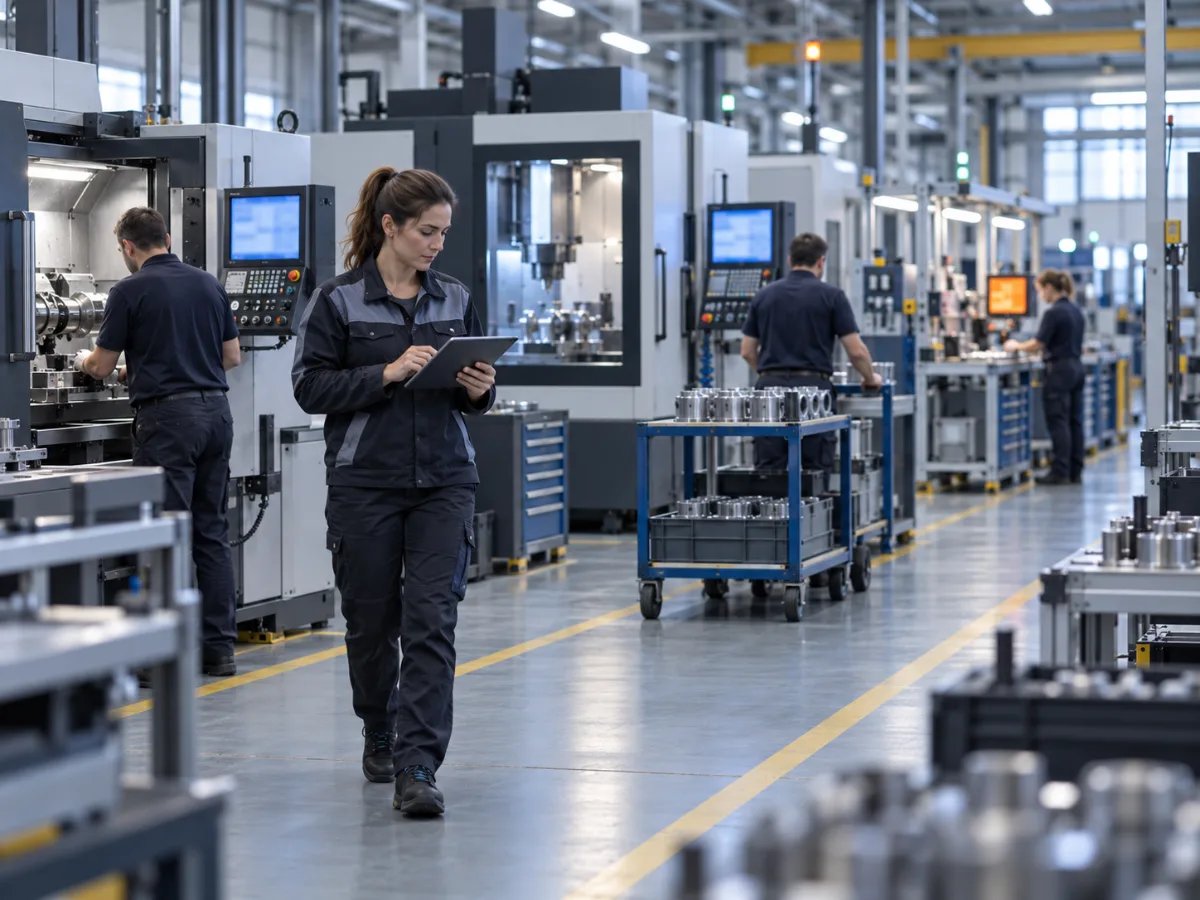
Where is my order? And when will it be done?
In many plants, nobody can answer these questions with confidence. Between release and confirmation, orders run on paper: route cards, stamps, filed inspection records. Anyone who wants to know the status asks the supervisor or walks out onto the shop floor. Delivery dates are estimated, and anyone who needs traceability searches through binders.
How SYMESTIC controls your orders
What is included
Import orders from the ERP or create them directly, release, prioritize
Order status and current operation in real time
Process designer with dependencies between operations
Operators start, pause and end orders at the workstation
Digital, paperless documentation, retrievable in seconds
Bidirectional connection: REST API and webhooks, IDoc, file interface (XML, CSV, JSON)
What our customers achieve

InforCOM
ERP connected bidirectionally
Day 1
Real-time data from day one

From pilot to group solution, implemented by your own team.

Replacement of an existing MES, fully connected in 6 months.

First machines in operation after just one day and KPIs analyzed worldwide.
GMP-regulated pharmaceutical packaging: from the pilot line to all lines at the site, without touching the PLC.

Frequently asked questions

What is production control?
Managing production orders on the shop floor: release them, execute them in the right sequence of operations, track them and report them back. It links the planning in the ERP with what happens at the machine.
Which ERP systems are connected?
InforCOM, SAP, Microsoft Dynamics NAV and Microsoft Business Central are already connected. Through the documented REST API and webhooks, the connection costs nothing extra; if that does not fit, we build a custom integration. MES ERP integration
Does production control also work without an ERP connection?
Yes. Then you create the orders directly in SYMESTIC and run them there through to confirmation. An ERP connection can be added later.
See an order from the ERP through to confirmation.
30 minutes, free of charge.

Christian Fieg
Head of Sales · SYMESTIC
Over 25 years in the manufacturing industry · Six Sigma Black Belt · global MES rollouts in automotive
“I will also tell you in the conversation if SYMESTIC does not fit your production. That saves us both time.”
What you take away from the call
Book a demo with Christian
30 minutes · Microsoft Teams · no obligation
No preparation needed. All that helps is: which machines do you run, and which ERP do you use?
By booking, you consent to the processing of your details for the purpose of contacting you in accordance with the Privacy Policy.