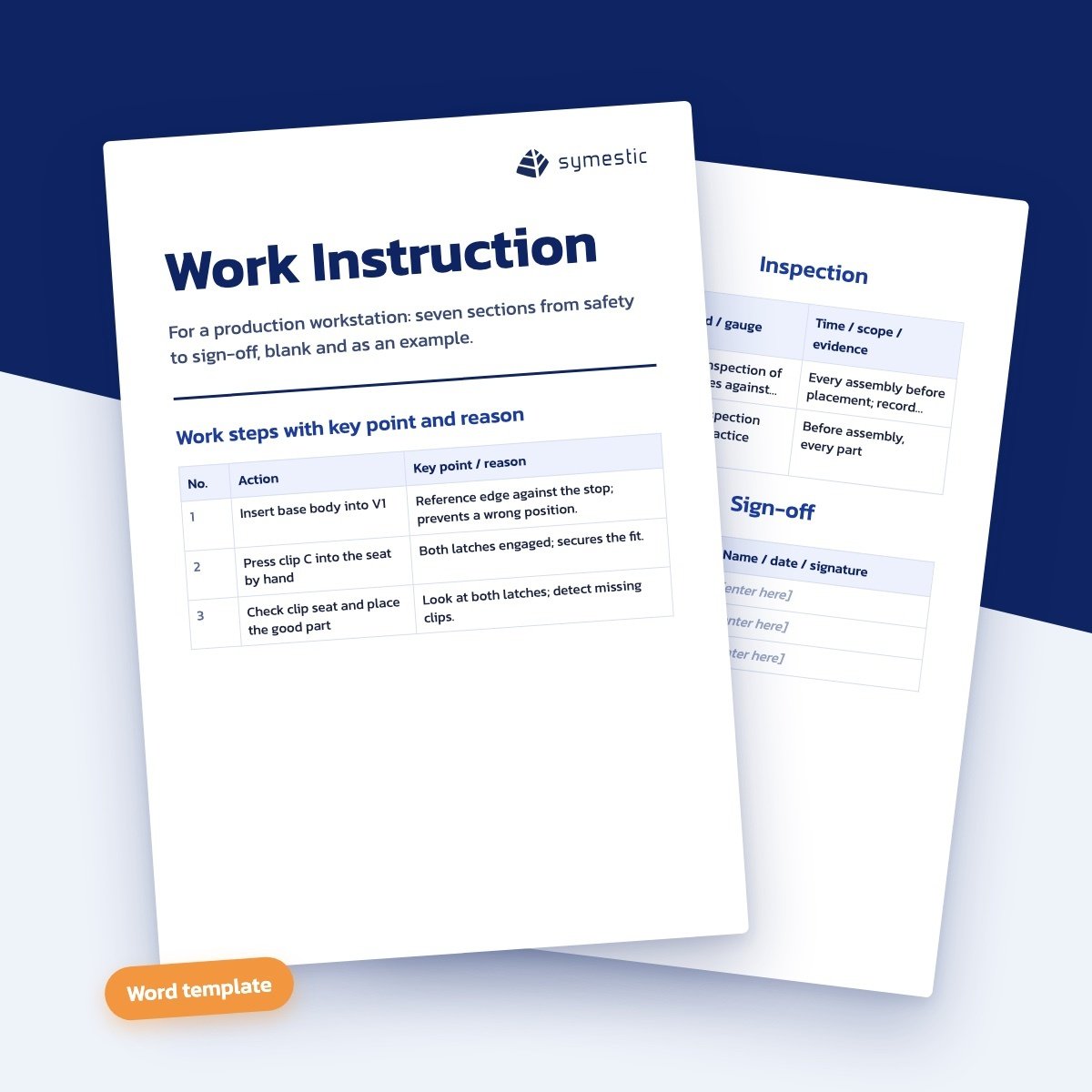




Work instruction software: digital work instructions at every workstation, with every entry documented
With SYMESTIC's work instruction software, you guide operators step by step through the stored process, on interfaces you tailor yourself. Entries take a few clicks, paper is gone.

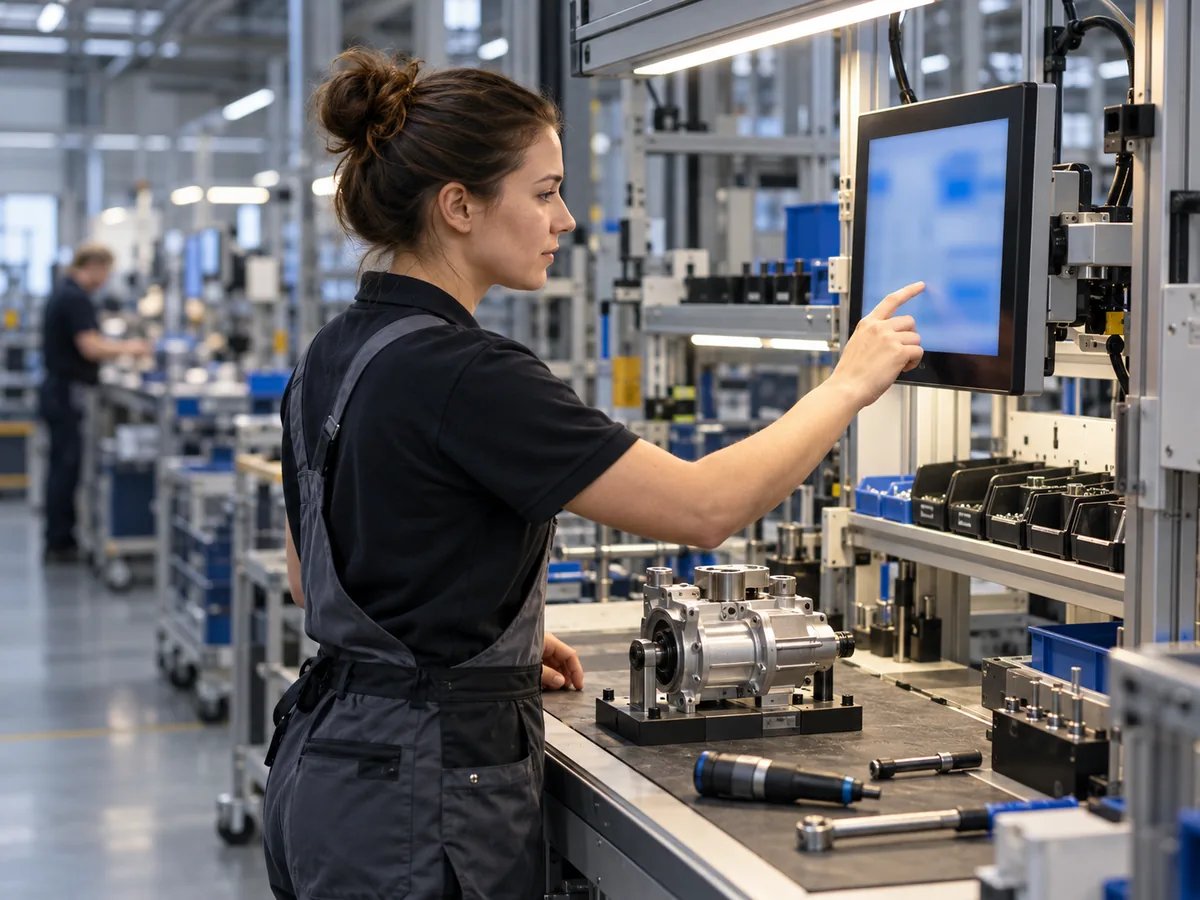
Paper at the workstation costs twice
Once when filling it out, once when retyping it. Add errors that are only noticed once a part has already been produced, and onboarding that depends on who happens to be on shift.
Free potential analysisWhat errors and waiting time at the machine cost you per year, we work out with your own figures in a free potential analysis.
How SYMESTIC guides your operators
Store the process.
In the process designer, you define the steps and their sequence.
Execute at the workstation.
Operators see the next step, start, pause or end the order and enter whatever does not come in automatically. The interface is touch-optimized and runs on Windows, Android, iPadOS and macOS.
Runs on
Document automatically.
Every entry is stored with time, order and person, paperless and retrievable in seconds.
What is included
Freely configurable operator interfaces
Unlimited shop floor clients
Interface in many languages
Process designer with dependencies
Digital shift log with AI summary
Paperless documentation
What our customers achieve

Frequently asked questions

What are digital work instructions?
Guiding operators through the work steps on screen instead of on paper, with direct capture of their entries. It reduces errors and makes every step traceable.
What devices do I need?
Existing PCs, tablets or touch displays are enough; the interfaces run on Windows, Android, iPadOS and macOS.
See an operator interface for your process.
30 minutes, free of charge.



Your demo is run by an MES expert from SYMESTIC.
Christian Fieg, Peter Seidler, Hagen Fries
We will also tell you in the conversation if SYMESTIC does not fit your production. That saves both sides time.
- 25 years of MES experience
- ISO 9001 certified
- Data in the EU, GDPR
What you take away from the call
Book a demo
30 minutes · Microsoft Teams · no obligation
No preparation needed. All that helps is: which machines do you run, and which ERP do you use?
By booking, you consent to the processing of your details for the purpose of contacting you in accordance with the Privacy Policy.