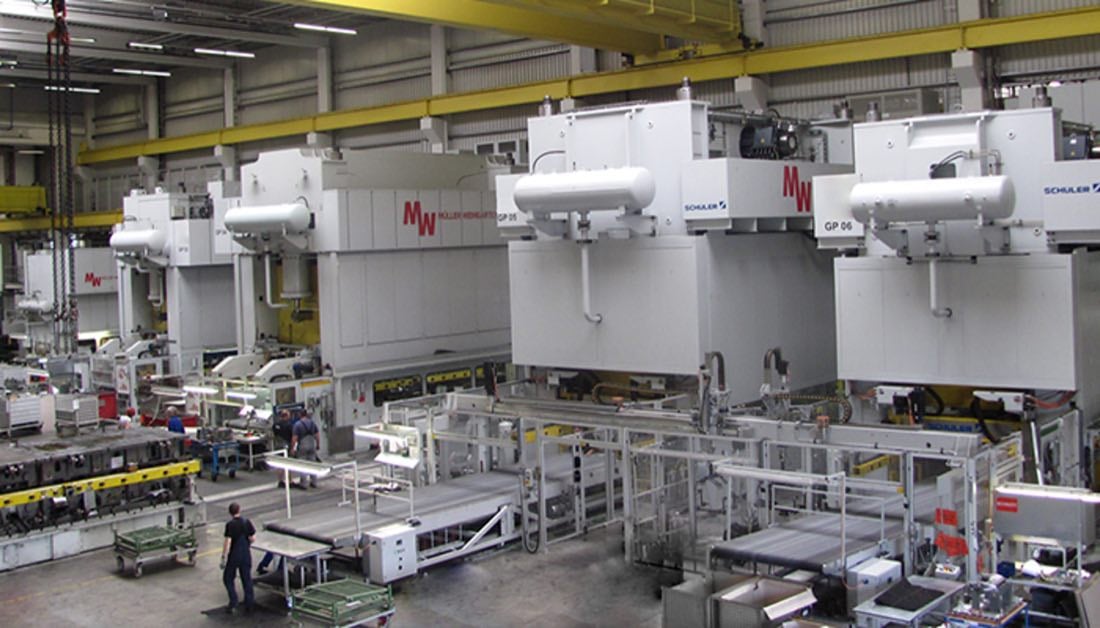



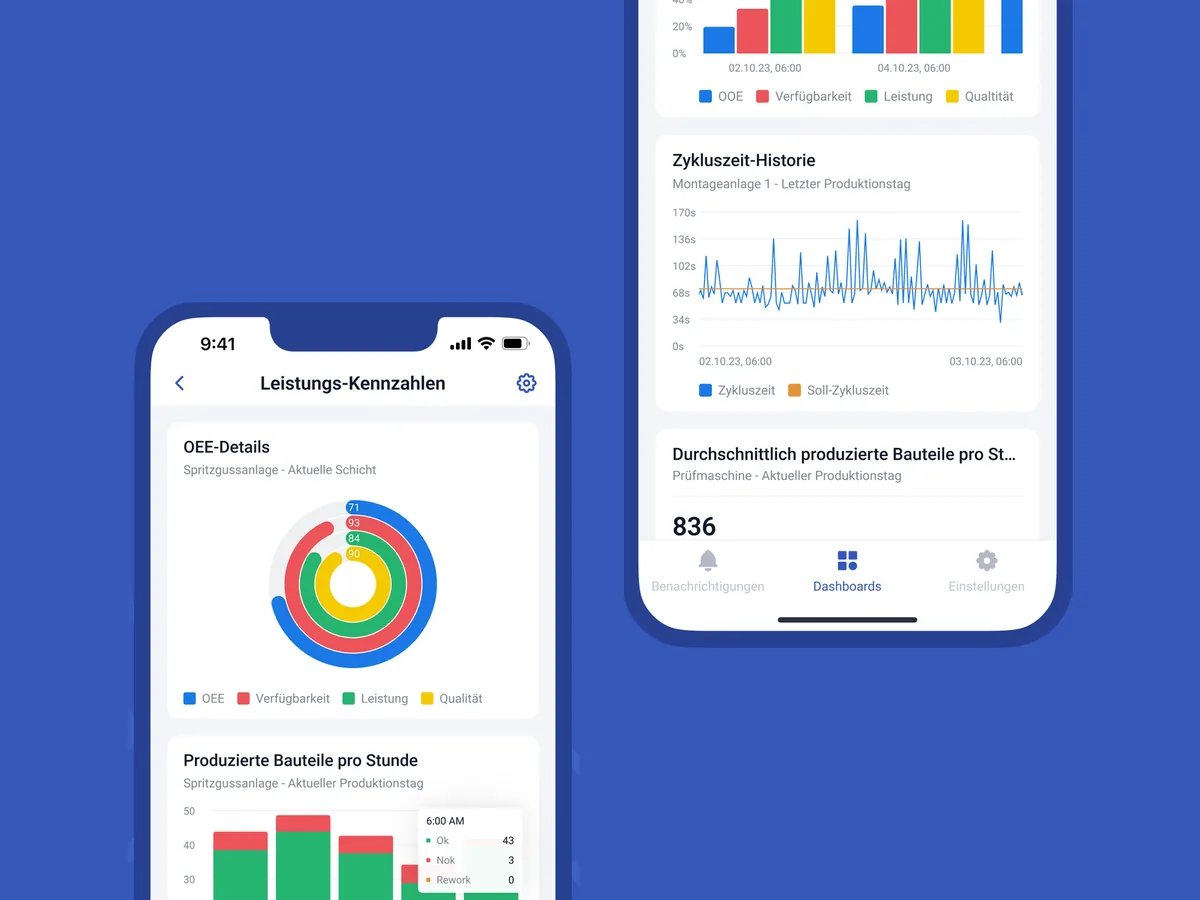
OEE software that shows losses before the shift is over
SYMESTIC's OEE software captures availability, performance and quality of your machines automatically and calculates OEE from them, live per machine, line and plant. The first machine is connected in under 3 hours, even if it is older.


< 3 h
first machine live
15,000+
Machines connected
< 3 months
ROI
15 countries
with customers
You see that OEE is falling. But not why.
In many plants, OEE is measured, but too late and too coarsely. The numbers are in Excel the next morning, are not comparable between lines, and someone filled in the downtime reasons from memory at the end of the shift. Then the team discusses the number instead of the cause.
OEE software only pays off when three things come together: the data comes automatically from the machine, it is available in real time, and every minute of loss is linked to order, shift and reason.
Free potential analysisWhat your OEE losses cost per year, we work out with your own figures in a free potential analysis.

From machine to reliable OEE in three steps
Connect.
Machines are connected via plug and play. SYMESTIC's Cloud Gateway, free software on your server, reads the data from the controller via OPC UA. Without a server of your own, use SYMESTIC's IoT Box: hardware for digital signals or OPC UA, also on older machines without changes to the PLC. The first machine is productive in under 3 hours.
Cloud Gateway
Free software on your server, OPC UA
IoT Box
Hardware for digital signals or OPC UA, no server needed
Calculate automatically.
Quantities, scrap and downtime come straight from the machine. SYMESTIC calculates availability × performance × quality and shows each factor individually, so it is clear where the percentage points are lost.
88%
Avail.
91%
Perf.
95%
Qual.
76%
OEE
Find causes.
Stops are detected automatically and explained at the workstation using your downtime reason catalog. Operators document in their native language, everyone else sees the translation. The historical analysis shows which machine stops how often and why.
Where one 8-hour shift goes: a worked OEE example
A packaging machine is planned for 480 minutes. It stops for 60 minutes, so it runs 420 minutes. The ideal cycle time is 30 seconds per part. The machine produces 700 parts, 665 of them good. The example is invented and is a different case from the 76 percent example elsewhere on this page.
| Step | Calculation | Result |
|---|---|---|
| Availability | 420 ÷ 480 | 87.5 % |
| Performance | (700 × 30 s) ÷ (420 × 60 s) | 83.3 % |
| Quality | 665 ÷ 700 | 95.0 % |
| OEE | 87.5 % × 83.3 % × 95.0 % | 69.3 % |
The same result in minutes shows which loss is largest. Of 480 planned minutes, 665 good parts needed 332.5 minutes at the ideal cycle time. The remaining 147.5 minutes split into three losses.
| Loss | Minutes | Share of planned time |
|---|---|---|
| Stops (availability) | 60 | 12.5 % |
| Slow running (performance) | 70.0 | 14.6 % |
| Rejected parts (quality) | 17.5 | 3.6 % |
| Total loss | 147.5 | 30.7 % |
Slow running costs more minutes here than stops, a loss that a stop list alone does not show. This is why OEE software has to capture quantities and cycle times next to the stops.
Eight questions to ask any OEE software vendor
| Question | Why it matters |
|---|---|
| Does the data come automatically from the machine? | Manual entry leaves gaps and arrives after the shift. |
| Can I see availability, performance and quality separately? | One percentage hides which loss to attack first. |
| How is the ideal cycle time set per part? | The performance factor is only as good as this reference. |
| How are stop reasons captured, and by whom? | Automatic detection finds the stop; a person usually names the cause. |
| Can older machines be connected without PLC changes? | Most plants run machines of mixed age. |
| Is OEE comparable across lines and plants? | Comparison needs one data model and one set of definitions. |
| How quickly does the first machine go live? | A short start shows value before the budget discussion. |
| What do the plans include, and what costs extra? | Compare users, dashboards, connection hardware and services on the same basis. |
SYMESTIC offers three subscription plans with unlimited users and dashboards in every plan. The Cloud Gateway is free software; the IoT Box is a one-time hardware purchase for digital signals. Plans and prices are on the pricing page.
What is included
Availability, performance and quality separated
Per machine, line, shift and order, with trend.
Automatic capture
Quantities, scrap and downtime without a tally sheet.
Real-time dashboards
At the workstation, on the smartphone and as a shop floor display.
Historical analysis
Most frequent faults, trends, comparison of shifts and lines.
Reports for the whole team
One view from the shift to plant management, unlimited users.
Notifications
By push or email when a machine stops or a condition you defined yourself is met.
Configure operator interfaces yourself
For entries that do not come in automatically, on the touch display, tablet or PC.
Multiple plants
One standardized data model, so OEE is comparable 1:1 across plants.
ERP context
Orders flow in both directions with SAP, Microsoft Dynamics or InforCOM, and OEE is reported per order.
What our customers achieve


OEE software compared
 SYMESTIC


Calculate your OEE
The OEE calculator shows your OEE from availability, performance and quality, with a TEEP mode and the value of one OEE point in euros. Free, no registration required.

Frequently asked questions

What is OEE software?
Software that automatically captures availability, performance and quality of a machine from machine data and calculates OEE, in real time instead of retroactively in Excel. Good OEE software shows not only the number but also in which factor and at which downtime reason the losses arise.
How is OEE calculated?
OEE = availability × performance × quality. Availability is run time relative to planned time, performance is actual versus ideal cycle time, quality is good parts relative to all parts. SYMESTIC captures all three automatically. To try it out: OEE calculator
What is a good OEE value?
According to Seiichi Nakajima, “world class” is around 85% (roughly 90% availability × 95% performance × 99.9% quality). More important than comparing yourself with this benchmark is your own trend: if you see your OEE from week to week, you can tell which measure works.
How much does OEE software cost?
SYMESTIC is a subscription. The standard configuration (platform and 5 machines) costs €850 per month with annual billing. Users are unlimited, onboarding and updates are included. Details and term on the pricing page
Do I need new hardware or changes to the PLC?
Usually not. The Cloud Gateway captures all data via OPC UA, software we provide free of charge that runs on your server or another computer. Alternatively there is the IoT Box, dedicated hardware for a one-time purchase: it captures digital signals or OPC UA without you having to provide a server or computer. Neither variant makes changes to the PLC.
How quickly is OEE software productive?
The first machine is connected in under 3 hours, the first use case runs in days. Your team then connects further lines and plants itself.
Can the OEE software be integrated with our ERP?
Yes, bidirectionally. Orders come from the ERP, quantities, times and scrap go back. InforCOM, SAP, Microsoft Dynamics NAV and Microsoft Business Central are already connected. Through the standardized, documented REST API and webhooks, the connection is possible at no additional cost; alternatively, we build a custom ERP integration. MES ERP integration
OEE software or MES: what do I need?
If you only want to see OEE, OEE is enough. If orders, digital work instructions or quality are to follow, a platform where everything uses the same data pays off. SYMESTIC is both: you start with OEE and expand without a new project.
Does it run in the cloud – what about data security?
Yes, on Microsoft Azure with data stored in the EU, German Azure regions on request. Encryption in transit and at rest, sign-in via Azure MSAL. ISO 9001 certified, GDPR compliant, ISO 27001 under review.
What happens if the internet goes down?
Capture continues: the data is buffered locally at the plant and transferred automatically as soon as the connection is back.
See your OEE in a real example.
In 30 minutes, we show you how availability, performance and quality become visible automatically on a machine like yours, and how your machines would be connected. Free of charge and with no obligation.


Christian Fieg
Head of Sales · SYMESTIC
Over 25 years in the manufacturing industry · Six Sigma Black Belt · global MES rollouts in automotive
“I will also tell you in the conversation if SYMESTIC does not fit your production. That saves us both time.”
What you take away from the call
Book a demo with Christian
30 minutes · Microsoft Teams · no obligation
No preparation needed. All that helps is: which machines do you run, and which ERP do you use?
By booking, you consent to the processing of your details for the purpose of contacting you in accordance with the Privacy Policy.