



PRODUCT DOCUMENTATION
Product documentation: SYMESTIC, the cloud-native MES
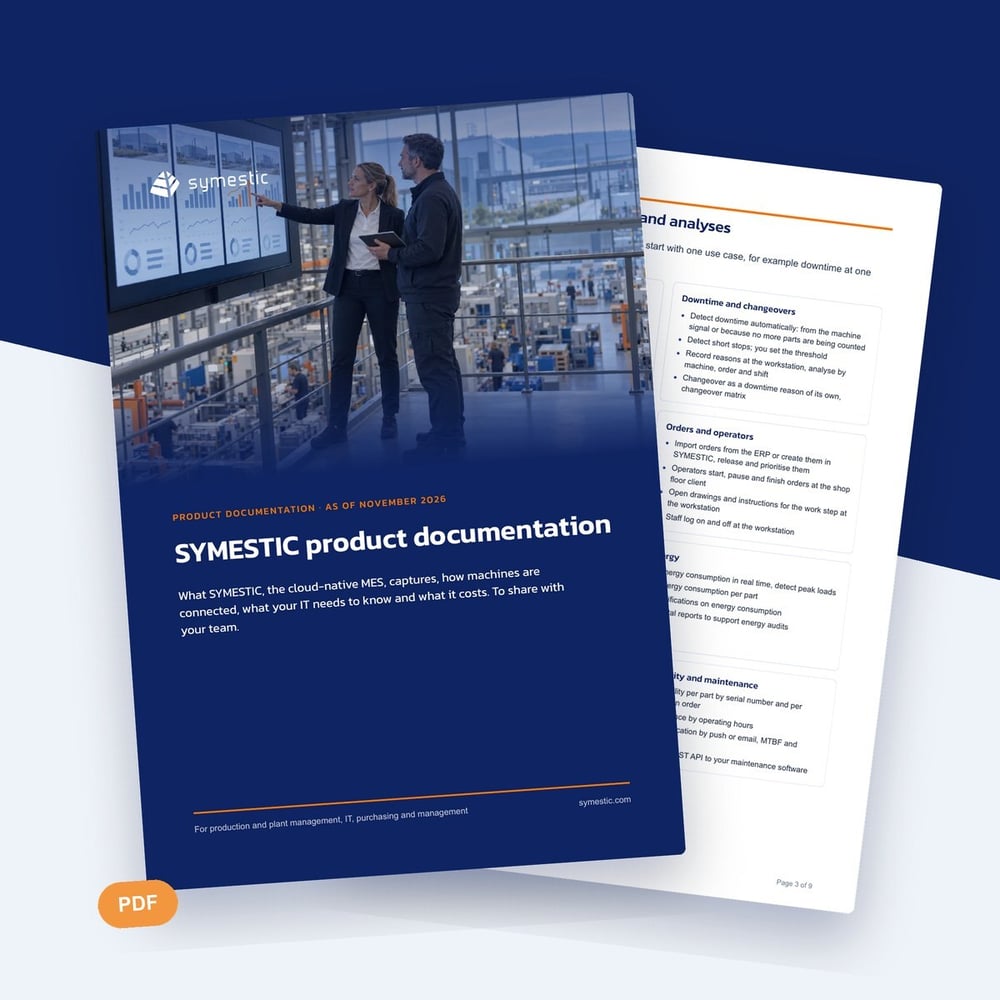
The product documentation sums up on nine pages what you need for a decision about SYMESTIC.
Download the documentation
What is inside
You see the applications, how machines of any age are connected, what your IT needs to know, the published prices and two customer examples from our case studies.
- Applications from OEE and downtime to quality, energy and traceability
- Machine connectivity, rollout steps, IT, security and data protection
- Plans and prices, contract terms and two customer examples
To see SYMESTIC applied to your own use case, book a free 30-minute live demo via Microsoft Teams. You can work out your annual price on the pricing page beforehand.
Who it is for
Who the product documentation is for
The documentation is for production managers, plant managers and project leads who have SYMESTIC on their shortlist and are preparing the decision in house. It suits passing on to IT, purchasing and management, who each have different questions about the same system.
How to work with the product documentation
- 1
Check the fit
First read which production the platform is built for and which it is not, and compare that with your plant.
- 2
Share the sections
Give the part on IT and data protection to your IT and the prices to purchasing and controlling.
- 3
Choose a use case
Decide which use case and which machine you would start with and bring that to the demo.
How to evaluate an MES as a team
Every department checks something else
Production asks about connectivity and KPIs, IT about network and sign-in, purchasing about term and cost. One shared document makes sure everyone works from the same version.
The first use case sets the standard
A clearly limited start, such as downtime on one machine, delivers a result you can check sooner than a project across all functions.
The limits belong in the evaluation
A section on what a system is not built for saves review effort. If your main goal falls there, you know before the demo.
Further reading
Download the product documentation
Fill in the short form and you receive the download right after.