




DECISION GUIDE
Decision guide: ERP module, in-house build or MES
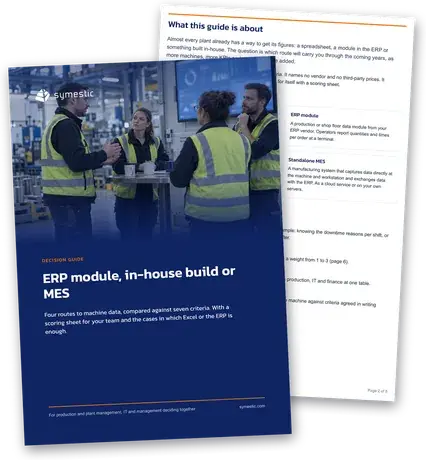
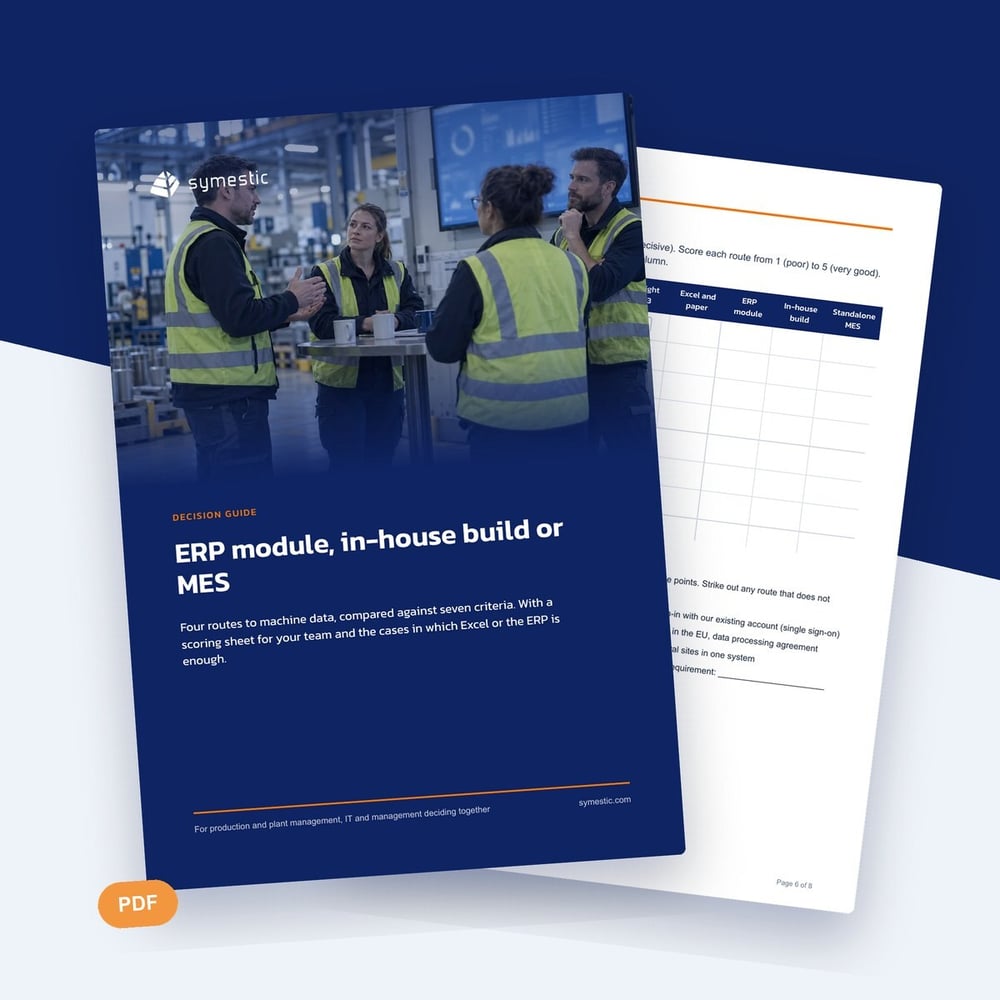
The decision guide compares four routes to machine data on eight pages, without naming any vendor.
Download the decision guide
What is inside
You see Excel and paper, an ERP module, an in-house build and a standalone MES against seven criteria, the cases in which Excel or the ERP is enough, and a scoring sheet your team fills in together.
- Seven criteria, each with the question to ask of every route
- The four routes compared and when Excel or the ERP is enough
- Scoring sheet with weighting and minimum requirements
If your sheet points to a standalone MES, test it on one machine. In a free 30-minute live demo, you see SYMESTIC applied to your own use case; bring your completed sheet.
Who it is for
Who the decision guide is for
The decision guide is for production managers, IT managers and managing directors who have to decide how their plant will get machine data in the future. It helps when Excel, an ERP module or an in-house build is in use today and it is open whether that path still holds with more machines and users.
How to work with the decision guide
- 1
Set the goal
Write down what should be different in twelve months, for example OEE on the same day instead of the day after.
- 2
Weight the criteria
Weight the seven criteria from 1 to 3 together with production, IT and controlling.
- 3
Score the paths and test
Score each path from 1 to 5 and check the result on one machine with criteria agreed in writing beforehand.
What counts when choosing between ERP module, in-house build and MES
Most of the effort comes after go live
New machines, KPIs and updates keep coming for years. For every path, ask who maintains it and how many internal hours that takes.
Older machines decide the data capture
An ERP terminal records what an operator reports. With older machines without a modern control system, the question is how count and stops are captured without changes to the PLC.
A spreadsheet can be the right answer
With a few machines and a weekly review, Excel can be enough. Once your goal needs figures during the shift, the spreadsheet no longer keeps up.
Further reading
Download the decision guide
Fill in the short form and you receive the download right after.